You can modify any existing template.
- Open the Invoice form. For details, refer to Opening Blank Invoice Forms, page 1.
A Invoice pop-up window opens, offering the option to Create a new Invoice or to Create Invoice from Template.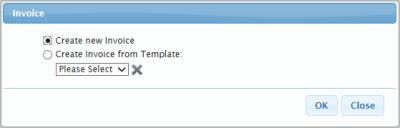
- Select the template you want to change from the Create Invoice from Template drop-down menu.
- Click OK.
All the details that were saved as part of the template are loaded into the form. - Make any changes to the displayed details.
- Click the Save as Template button.

The following Save Template window opens:
- In the Template Name field, enter that template’s name.
If the name of the template already exists, a Confirm Overwrite warning pop-up appears: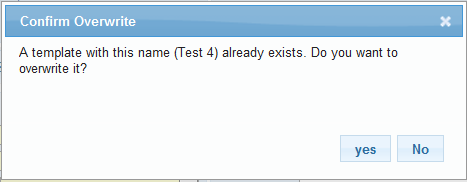
- Click Yes.
The changes to your template are saved.